
How to Set Up Automatic Prescription Refills with Your Pharmacy
 Jan, 24 2026
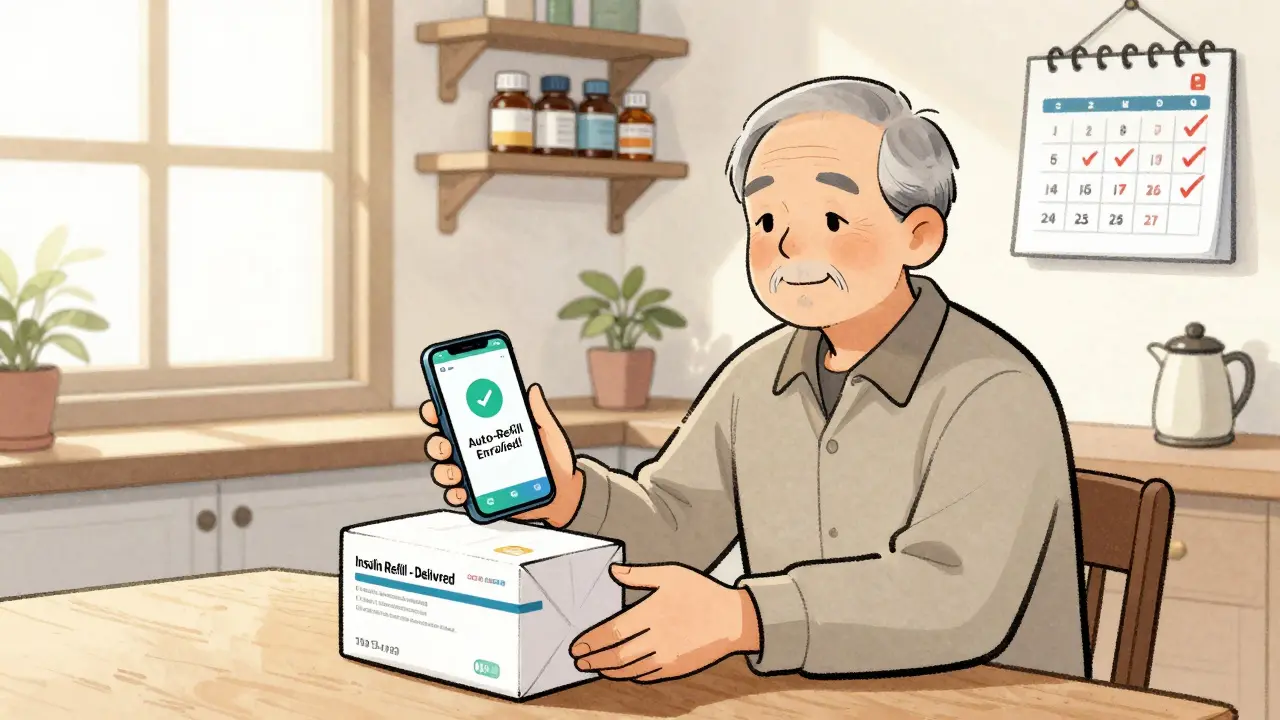
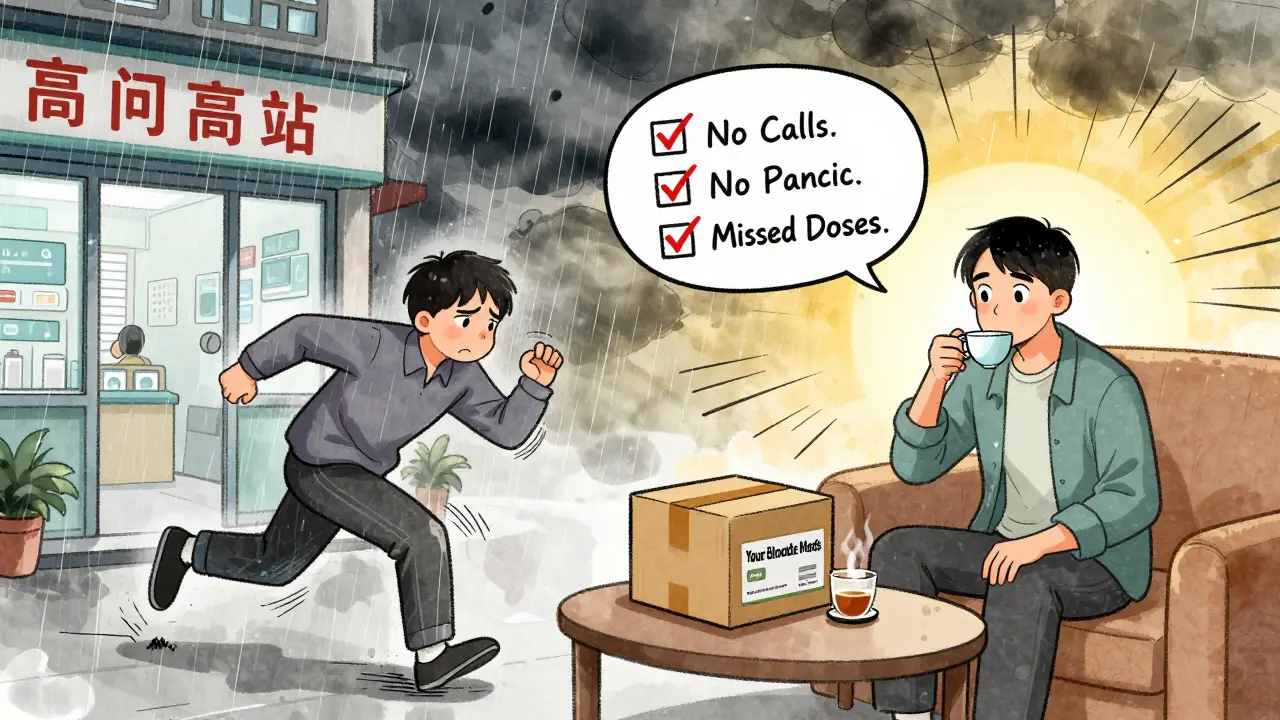
Running out of your blood pressure or diabetes meds isn’t just inconvenient-it can be dangerous. If you’ve ever rushed to the pharmacy on a Saturday because you forgot to refill, you know how easy it is to slip through the cracks. Automatic prescription refills fix that. They’re not magic, but they’re close: your pharmacy keeps track of when you need your next dose and ships it out before you run out. No calls, no apps, no panic. And yes, it works for most long-term medications-statins, thyroid pills, insulin, antidepressants, and more.
How Automatic Refills Actually Work
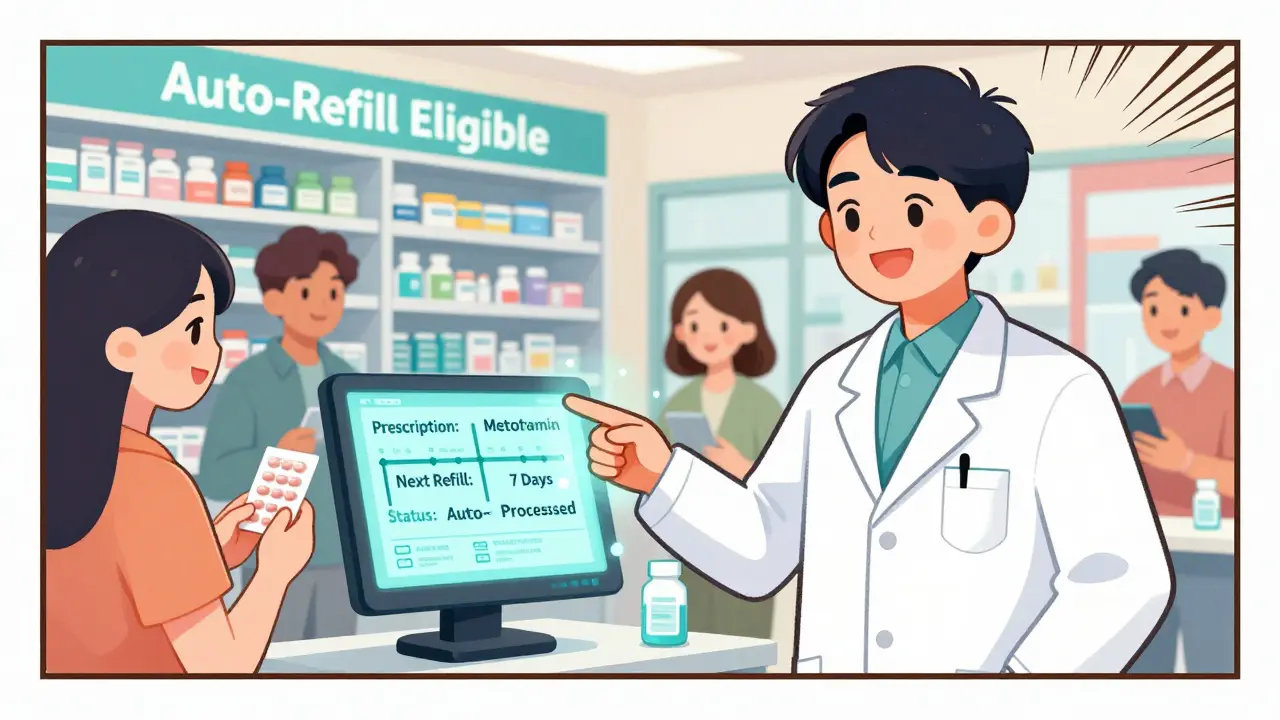
Automatic refills aren’t just a feature-they’re a system. When you sign up, your pharmacy’s computer tracks your prescription’s refill date based on your dosage and how often you take it. For example, if you take one pill a day and your prescription has 30 pills, you’ll need a refill every 30 days. The system calculates that, then automatically processes your refill about 7-10 days before you run out. That buffer gives your pharmacy time to check with your doctor if your prescription needs renewal or if your insurance requires prior authorization.
It’s not just about convenience. Studies show people who use automatic refills are 15-20% more likely to take their meds as prescribed. That’s huge for conditions like high blood pressure or diabetes, where missing doses can lead to hospital visits. The system also cuts down on those last-minute pharmacy runs. One pharmacist in Bristol told me they see 30% fewer emergency refill requests since rolling out auto-refills.
Who Can Use It? What’s Blocked?
Not every prescription qualifies. Controlled substances like opioids, ADHD meds, or strong painkillers are almost never eligible. That’s federal law. Your pharmacy can’t auto-refill them-even if you’ve been on the same dose for years. Same goes for medications that need frequent changes, like antibiotics or new treatments where your doctor might adjust the dose weekly.
Also, if you’re on Medicaid in Missouri, you’re out of luck. Since April 2023, Missouri banned auto-refills for all MO HealthNet participants. Other states have similar rules. In total, 27 state Medicaid programs require explicit consent before refilling-no automatic enrollment. But if you’re on Medicare Part D, private insurance, or pay out-of-pocket, you’re almost always eligible.
How to Set It Up (Step by Step)
Setting this up takes less than five minutes. Here’s how:
- Create an online account with your pharmacy. If you’ve never logged in before, go to their website or app. Look for ‘Sign Up’ or ‘Create Account.’ You’ll need your prescription number, insurance info, and a valid email or phone number.
- Log in and find your list of active prescriptions. It’s usually under ‘My Prescriptions,’ ‘My Rx,’ or ‘Refills.’
- Find the auto-refill option. Each pharmacy calls it something different. CVS has ‘Manage Automatic Refills.’ Walgreens says ‘Auto-Refill Settings.’ Express Scripts uses ‘Automatic Refills’ under the Prescriptions tab. Click it.
- Select which meds to auto-refill. You don’t have to turn it on for everything. Pick the ones you take daily or weekly-your blood pressure pill, your cholesterol med, your thyroid pill. Skip the ones you only take occasionally.
- Confirm your shipping address. Make sure it’s correct. If you’re getting it delivered, the pharmacy needs to know where to send it. If you pick it up, they’ll notify you when it’s ready.
- Turn it on. You’ll usually see a toggle or checkbox. Hit ‘Save’ or ‘Enroll.’
That’s it. You’ll get a confirmation email or text. Most pharmacies send two reminders before your refill ships-one by email, one by phone.
What to Do If It Doesn’t Work
Sometimes, nothing happens. Here’s why:
- Your prescription isn’t eligible. Check if it’s a controlled substance or requires prior authorization. If so, you’ll see a note like ‘Not eligible for auto-refill.’
- Your insurance changed. If you switched plans or your employer updated coverage, your pharmacy might not have the new info. Go to your profile and update your insurance card details.
- You’re in a restricted state. If you live in Missouri or another state with Medicaid auto-refill bans, you won’t see the option. You’ll need to call your pharmacy and ask if they can set up a scheduled refill instead.
- You’re out of refills. If your prescription has zero refills left, the system can’t process it. You need a new prescription from your doctor.
If you’re stuck, call your pharmacy. Most have a dedicated line for refill issues. Tell them you’re trying to enroll in auto-refill and ask what’s blocking it. They can check your account, verify your insurance, and sometimes override system flags.
Pros and Cons-What You Should Know
Auto-refills are great, but they’re not perfect.
Pros:
- Never run out of meds
- Save time-no more pharmacy trips for routine refills
- Reduces missed doses by 15-20%
- Free to use-no extra fees beyond your copay
- Buffer time lets pharmacists catch insurance or doctor approval issues before you run out
Cons:
- Can send meds you no longer need-if your doctor changed your dose or stopped the drug
- Some people get shipments they didn’t expect, leading to clutter or waste
- Not available for all medications or in all states
- Requires internet access and basic tech skills
One patient in Bristol told me she got her insulin auto-shipped even after her doctor switched her to a different type. She didn’t notice until she had two bottles sitting in her fridge. She called the pharmacy, and they canceled the next shipment. Now she checks her email before each delivery.
Alternatives If Auto-Refill Isn’t Right for You
If you’re not comfortable with automatic refills, here are other options:
- Medication synchronization: Your pharmacy aligns all your prescriptions to the same refill date. You pick up everything once a month. No auto-shipping, but you get one trip instead of three.
- Reminders: Set phone alerts or use apps like Medisafe or MyTherapy to remind you when to request a refill.
- Mail-order pharmacy: Some insurers offer 90-day supplies delivered to your door. You request it manually, but you get more at once.
For people with complex regimens-like those on multiple new drugs or with changing conditions-manual refills might be safer. But for stable, long-term meds? Auto-refill wins.
What’s Changing in 2026
More pharmacies are letting you choose your refill date instead of accepting the default. Optum Rx and CenterWell Pharmacy now let you pick a date that works for your schedule-like the 1st of every month. That’s a big upgrade.
Also, the American Medical Association is pushing for nationwide consent rules. That means even if your pharmacy offers auto-refills, you’ll have to actively check a box to enroll. No more sneaky sign-ups.
And the trend is clear: by 2025, nearly 8 out of 10 maintenance prescriptions will use some kind of scheduled refill system. The goal? Fewer hospital visits, less waste, and better health.
Final Tip: Check Your Refills Monthly
Even with auto-refills, don’t go on autopilot. Once a month, log into your pharmacy account and check your list. Make sure the right meds are still enrolled. If you stopped a drug, remove it. If your dose changed, update it. A quick five-minute check can prevent a big problem.
Automatic refills aren’t perfect. But for most people on long-term meds, they’re the easiest way to stay on track. Set it up once, and you’ll never again wonder if you’ve got enough pills left.
Can I set up automatic refills for my insulin?
Yes, insulin is eligible for automatic refills as long as it’s not a controlled substance and your prescription has refills remaining. Most pharmacies allow auto-refills for insulin because it’s a chronic condition medication. Just make sure your dosage hasn’t changed recently and your insurance covers it.
Do I have to pay extra for automatic refills?
No. Automatic refills are free. You only pay your normal copay or out-of-pocket cost for the medication. There are no subscription fees, delivery charges, or hidden costs. Even if your prescription is shipped to your home, the pharmacy absorbs the shipping cost as part of their adherence program.
What if I don’t want my medication delivered? Can I still use auto-refill?
Yes. Most pharmacies let you choose between home delivery and in-store pickup. If you prefer to pick up your refill at the pharmacy, just select ‘Pick up at store’ in your account settings. The refill will still be processed automatically-you’ll just get a text or email when it’s ready.
Why can’t I find the auto-refill option for my medication?
Your prescription may be ineligible. Common reasons include: it’s a controlled substance (like opioids or Adderall), it requires prior authorization, you’ve used up all your refills, or you live in a state like Missouri that bans auto-refills for Medicaid patients. Check your prescription details or call your pharmacy to find out why.
Can I cancel auto-refill later if I change my mind?
Absolutely. You can turn off auto-refill for any medication at any time through your pharmacy’s website or app. Just go to your prescription list, find the auto-refill toggle, and switch it off. You can always turn it back on later if you want.
Do pharmacies notify me before sending my refill?
Yes. Most pharmacies send two reminders before your refill ships-one via email and one via text or phone call. These are your chance to say ‘no’ if your medication changed, you’re going on vacation, or you don’t need it yet. If you don’t respond, they’ll send it as scheduled.
Is automatic refill safe for elderly patients?
Yes, and it’s often recommended for older adults who manage multiple medications. It reduces the risk of missed doses and pharmacy visits. Many pharmacies offer help setting it up for seniors-just ask for assistance over the phone or in person. Family members can also be added to the account to monitor refills.
If you’re on a long-term medication, automatic refills are one of the simplest ways to stay healthy. It’s not about technology-it’s about consistency. And consistency saves lives.
SWAPNIL SIDAM
January 25, 2026 AT 23:39This is life-changing for my dad. He forgets everything, but now his blood pressure pills just show up. No more panic runs.
Mohammed Rizvi
January 26, 2026 AT 20:24Auto-refills are the silent hero no one talks about. You don’t celebrate them like a new phone or a vacation, but they’re the reason you’re still alive to complain about your WiFi. One less thing to think about in a world that demands you think about everything. I’d give this a standing ovation if Reddit had claps.
Shawn Raja
January 28, 2026 AT 07:14Let’s be real-this isn’t tech innovation, it’s basic human decency. We’ve got AI that can write sonnets but still can’t auto-renew your insulin without a 17-step bureaucratic obstacle course. The fact that pharmacies are finally treating chronic illness like a condition, not a nuisance, is a quiet revolution. And yet, Missouri bans it for Medicaid? That’s not policy, that’s cruelty wrapped in bureaucracy. If you’re not on board with this, you’re not protecting the system-you’re protecting the status quo that kills people slowly.
Dan Nichols
January 28, 2026 AT 17:59Why do we need this? If you can’t remember to refill your meds you probably shouldn’t be managing them. People are lazy now. I’ve been on the same statin for 12 years and I still refill manually. It’s called responsibility. Also, why does the pharmacy get to decide what I need? That’s paternalism with a delivery fee.
Ryan W
January 30, 2026 AT 15:16Automatic refills? Sure, if you’re a data point in some Optum Rx KPI dashboard. Meanwhile, real Americans are getting shipped meds they don’t need because some algorithm thinks ‘daily’ means ‘forever.’ I got my thyroid med auto-sent after my dose changed. Had to throw out $80 of pills. And who pays? The taxpayer. This isn’t convenience-it’s corporate overreach disguised as healthcare.
Allie Lehto
January 30, 2026 AT 17:00I just found out my mom’s auto-refill shipped her antidepressants even after she stopped taking them because she felt ‘better.’ She didn’t realize until she saw the box. Now she’s mad at the pharmacy, mad at herself, and mad at the system. I’m not saying auto-refill is bad-I’m saying we need better safeguards. And why do we let corporations control our health like this? It’s not just convenience, it’s control. 🤔
Uche Okoro
February 1, 2026 AT 03:23From a pharmacoeconomic standpoint, the adherence metrics are statistically significant (p<0.01) with a Cohen’s d of 0.72 in favor of automated refill systems, particularly in non-acute, polypharmacy cohorts. The reduction in ER visits correlates with decreased hospitalization costs, yielding a net positive ROI for payers. However, the regulatory fragmentation across Medicaid state programs introduces significant heterogeneity in implementation fidelity, thereby undermining population-level efficacy. Furthermore, the absence of dynamic dose-adaptive triggers in current systems constitutes a latent safety hazard-particularly for medications with narrow therapeutic indices such as warfarin or lithium. A closed-loop integration with EHRs and real-time prescriber alerts is not merely ideal-it’s imperative.
Henry Jenkins
February 2, 2026 AT 16:24What’s interesting is how this reflects a deeper shift in healthcare-from reactive to proactive, from patient-as-consumer to patient-as-partner. But we’re still treating this like a feature toggle instead of a systemic redesign. The real win isn’t that you get your pills on time-it’s that the system finally acknowledges you’re not a problem to be managed, but a person who needs continuity. That’s why the Missouri Medicaid ban is so tragic: it’s not about cost, it’s about who gets to be treated like an adult. And the fact that we need to manually check our refills monthly? That’s the system still not trusting us. If auto-refill is meant to reduce cognitive load, why are we still burdened with audits? The next step isn’t just automation-it’s autonomy. Let people opt out, yes, but also let them opt into deeper integration: sync refills with wearable data, with lab results, with doctor notes. Until then, we’re just making the same mistakes with better UI.